¶ PVYoffice | Getting started
Many people are unaware that Microsoft was compelled by several governments in the mid-2000’s to adopt the Open Document XML Standard. This standard, pushed by various open-source vendors, became the de facto standard and was implemented by Microsoft for both the Microsoft Office Suite and Office 365.
Since then, as long as you have the necessary fonts and implement the Open Document Standards, the choice of word processors becomes less critical. What matters most are the features your applications support. And of course beside of Privacy, a nice User Interface with a zero learning curve.
PVYoffice is hardened and secured as PVYfiles, and they are best friends, to leverage your productivity by maintaining your privacy and security same time.
¶ Introducing PVYoffice Editors
Built upon open-source foundations, fine-tuned for privacy, and enriched with valuable additional features, our platform ensures that all your created documents retain their exact appearance across various operating systems. These systems include, but are not limited to (listed alphabetically):
- Apple macOS
- Apple iOS
- Google Android
- Graphene OS
- Linux
- Windows
- Web App
¶ To address your most pressing questions right away:
- Yes all your documents created on PVYoffice editors look the same
- Yes, macros are supported across files. Even better, you can upgrade to a modern language with JavaScript-based macros
- Yes, we can connect to SAP and also read SAP generated files.
¶ What we have others don’t have
Online and desktop live collaboration mode allows multiple users to work simultaneously on documents without conflicts. We’ve included all major fonts common in Linux, MacOS, and Windows operating systems. Additionally, our open plugin architecture supports integration with DeepL, Diagram, and PVYai and any other AI Model, among dozens of other useful plugins. On top, its hardened and does not send out any Telemetry or Analytics Data back to anyone.
¶ PVYoffice Online Editors
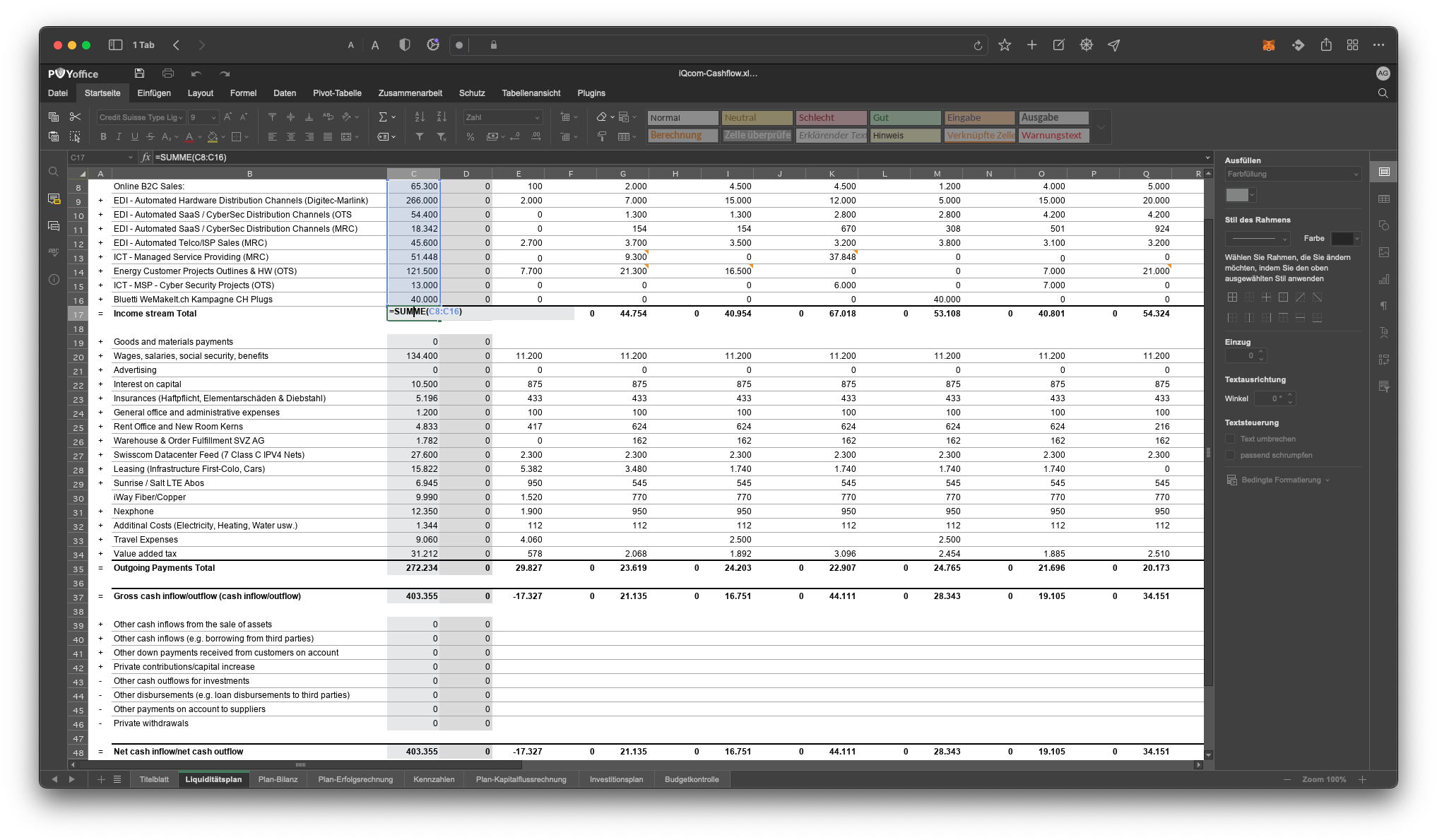
PVYoffice Editor are seamless integrated into PVYfiles. So when you are in PVYfiles and click into Spreadsheet (xls, xlsx, Document (doc, docx) or Presentation File (ppt, pptx) or Form File, PVYoffice will open the Editor straight into your browser. You can do all actions for editing, collaboration, even real time multi-user collaboration on the same document.
You benefift from auto-save and built-in Versioning Features of PVYfiles, so you can view, compare or restore any previous Version with a single click. Once you close the tab of the File, it saves any made changes immediately back to your PVYfiles und syncs it to all connected User Devices as a new Version instantly, who have access to this specific file.
¶ PVYoffice Desktop Editors
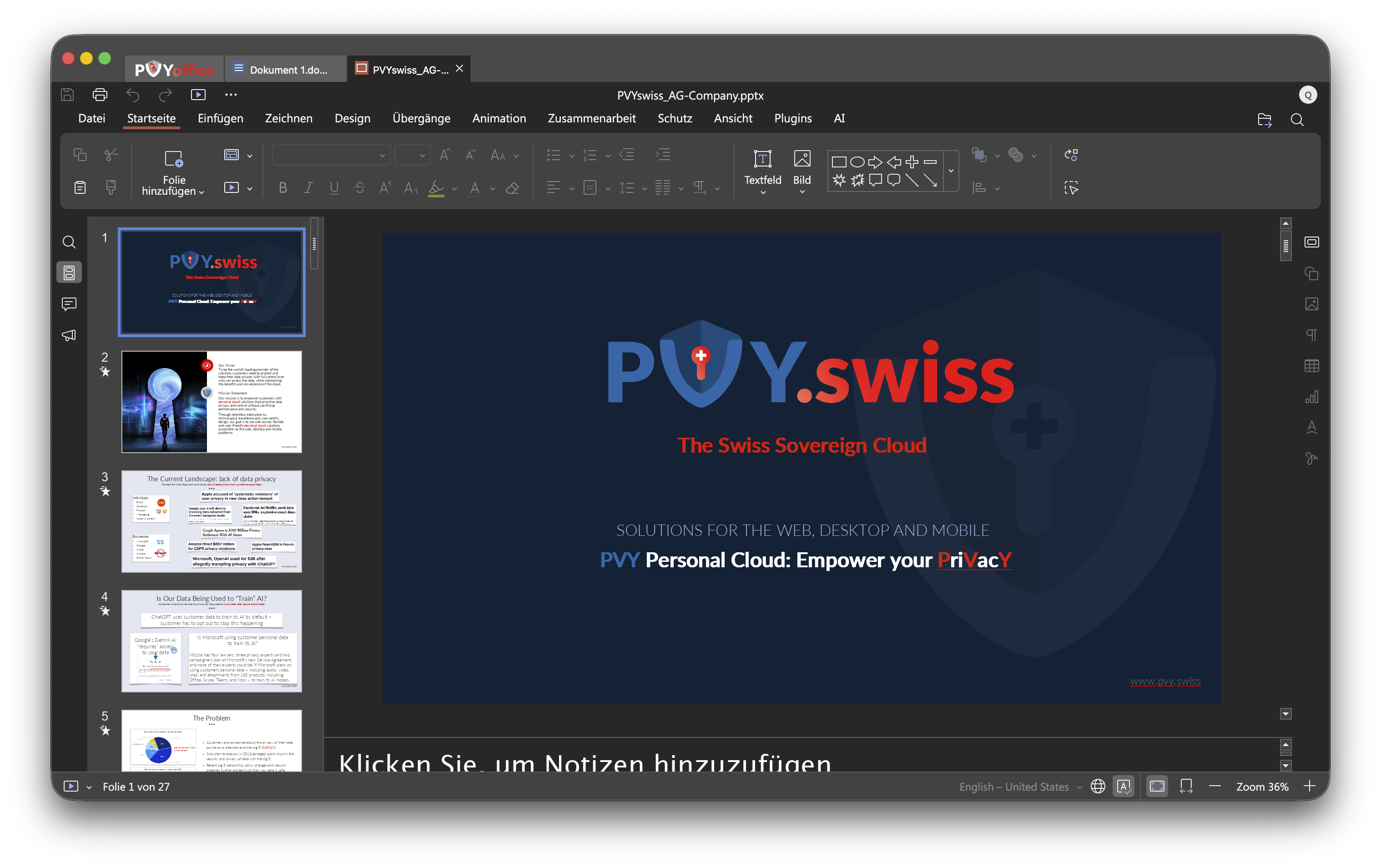
As showned above, we utilize OnlyOffice Editors, which are drilled up, hardened for absolute privacy, no telemetry data being sent elsewhere and optimized for Performance.
Available with Green Screen App Signement for
- macOS 15 - 26+
- Windows 10, 11
- Linux Debian
¶ PVYoffice Mobile Editors
PVYoffice Editors are available for
- iOS
- Android
- GrapheneOS
- eOS
For Mobile-Phones and iPad / Tablet Devices.
PVYoffice let you choose PVYfiles as your default Device Storage, you can browse any of our private PVYfiles Libraries and Search and Access PVYfiles Libraries shared by your Team (or Family Members), based on your Group / Location Permissions and view, edit, save any kind of Files. For any new File you create, it will be exclusively stored on PVYfiles and not to the Device Local Storage or iCloud/GoogleCloud Storage (Setting).
¶ Cloud Connectors built-in
For realtime multi-user collaboration,you can connect with your PVY-ID directly to the PVYfiles on your organisation or family environment, and this with a 4096 bit military-grade encryption on SSL Level, super hardened using PVYvpn P2P encrypted Data-stream, which is defacto auto-enabled in the background for all PVY Users.
¶ Plugin Integrations available to all PVYoffice Users
¶ Developers
- CodeSyntax
- HTML
- Macros
- Doc2md
¶ Productivity
- Apertium
- Automplete
- AI (PVYai and any AI Model)
- DeepL
- Doc2md
- Diagrams
- EasyBib
- Grammalecte
- LanguageTool
- OCR
- Picture Editor
- Send by Mail
- Thesaurus
- Typograf
- Word Count
- Zotero
- ZhiPu Copilot
¶ Communication Integration
- Jitsi
- Telegram
- PVYmeeting (WIP)
- PVYmessenger (WIP)
- PVYwebcall (WIP)
¶ PVYsign Integration
The Integration with PVYsign is available in PVYfiles Web Editors which let you sign documents to the latest EU/CH eSign Standards. (WIP) So you don’t need to push the File as for know, manually to PVYsign.
¶ Multimedia
- Youtube Video Embedding
- PVYmedia Video Embbedding
- PVYmaps Embedding (WIP)
wip=work in progress
¶ Developer Mode
For organizations that prefer to limit external service integrations, we can deploy an organization-specific plugin marketplace, allowing only selected plugins