¶ PVYai Agent
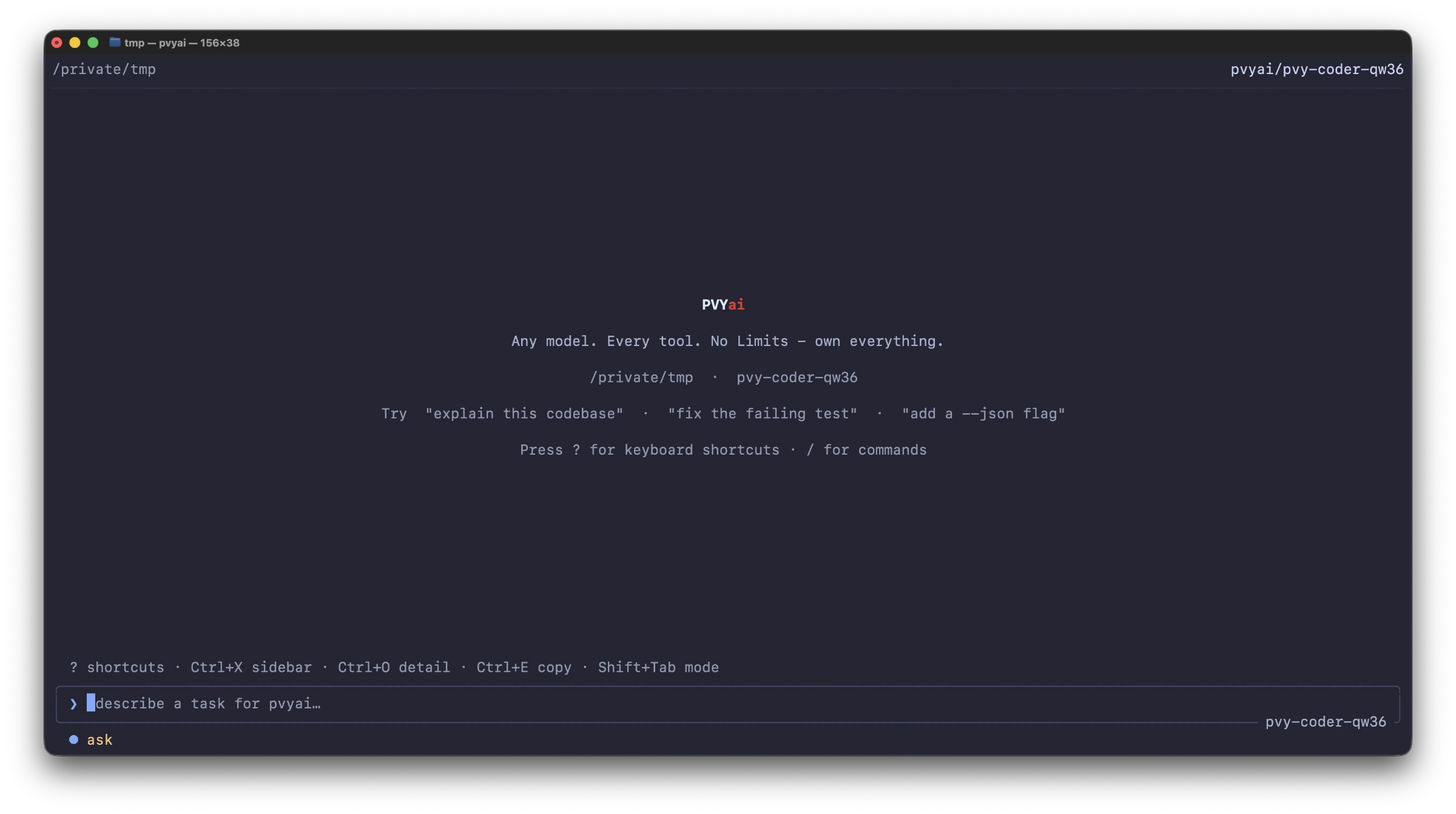
Your favorite PVYai (and others) Model on your fingertips using your Shell. Available as as “curl” install onto any Client supporting either AMD-64bit or Intel-64 architecture, you run it from a specific folder.
¶ Getting Started with PVYai Agent
PVYai Agent is a terminal-based AI coding assistant — a Go binary that runs in your shell, reads and writes your codebase, executes commands, and manages multi-agent workflows. It supports 28+ model providers, OAuth login, skills, specialists, swarms, and plan-driven development.
¶ Core Workflow & TUI Reference
PVYai Agent runs as a terminal user interface (TUI) built with Bubble Tea. It has two modes: alt-screen (full-screen, default) and inline (native scrollback, used when the terminal doesn’t support alt-screen). This chapter covers everything you interact with in the TUI.
¶ Plans & Specs
PVYai Agent has two complementary planning systems:
- Live Plans (
update_plantool) — in-memory task tracking that the agent maintains autonomously during a run - Spec Mode (
/speccommand) — a persisted draft → review → implement workflow for structured, scope-controlled development
¶ Skills
Skills are reusable instruction sets that the agent loads on demand. A skill is a directory containing a SKILL.md file with optional YAML frontmatter and a markdown body of instructions. When the agent encounters a task that matches a skill, it loads the skill’s instructions into its context and follows them. You can load them directly from Github or HugginFace or write your own.
¶ Specialists
Specialists are delegatable sub-agent definitions. When the agent encounters a focused task, it can spawn a real OS child process running the pvyai binary in stream-json mode, with a custom system prompt and a restricted tool set. The specialist does its work and returns a result to the parent agent.
¶ Swarms
A swarm is a team of concurrently-running specialist agents that coordinate on related tasks. Swarms build on top of the specialist system (see [[05-specialists|Specialists]]) — each swarm member is a specialist child process — but add team management, inter-agent communication (mailboxes), task handoffs, and recurring scheduling.
¶ Loops
Loops are recurring agent jobs that run on a cron schedule. They let you set up an agent to periodically inspect your repository, make incremental progress on tasks, monitor CI, or generate summaries — without manual intervention.
¶ Evals & Self-Learning
Evals are offline, maintainer-facing test fixtures for checking coding-agent behavior. They let you validate that the agent produces correct results for specific task types — without calling a live model (or with one, depending on the mode).
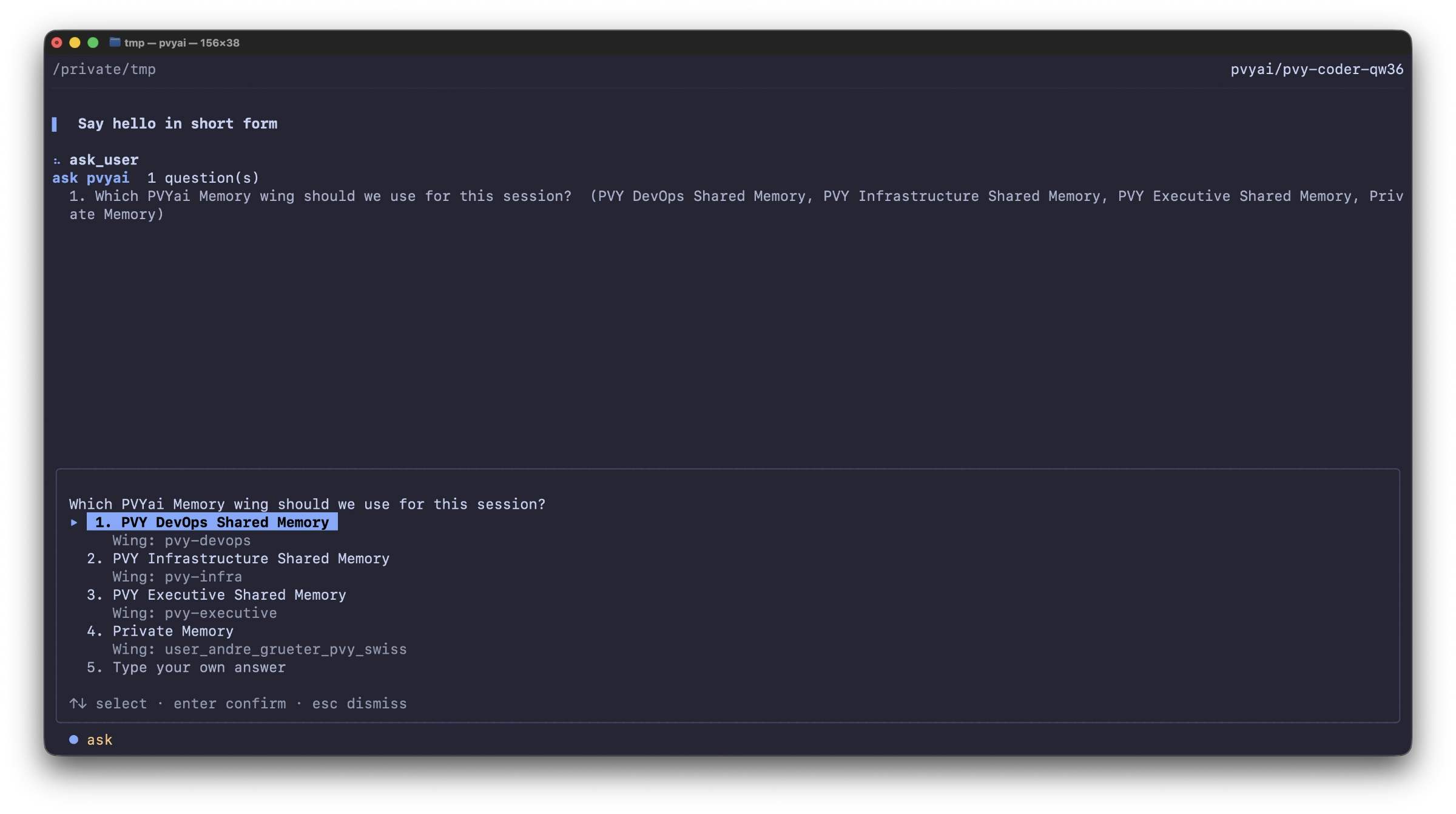
Please note, that if you work with Evals & Self-learning in Swarms and Loops, PVYai Sentinel and PVYai Memory will be switched off
¶ Model Selection & Providers
PVYai Agent supports beside its own AI Platform additional 28+ model providers and a curated model registry. This chapter explains how to choose, switch, and manage models — and why some models don’t appear in the picker. These are not limited to PVYai Models only. The composition may change from release to release.
¶ Team of Agents
This chapter covers how to run multiple PVYai agents together against a shared plan — from simple parallel delegation to full swarm orchestration with worktree isolation. And this how we design “Company Teams” rather than taking existing projects for this, because no organization is same.
¶ Autonomous Project Setup
This chapter shall be visited, after all others above have been read multiple times, and it contains a full project setup.
¶ Mission Control
PVYai Agent was developed as a shell binary for good reason. And, of course, you can open the folder in the terminal/console from any folder you are currently in and simply start it with “pvyai”.
Whether it’s the download folder or a Git repository doesn’t matter. But since the PVYai Agent, with its program size of only 33 MB, is also very efficient with RAM on your computer, you can of course run several projects with PVYai Agent simultaneously.
PVYai Mission Control helps you with this. It allows you to keep an eye on all your running PVYai projects with PVYai Agent and OpenCode Desktop.